View Global License Properties
The global license for managing endpoints on Live Platform instance includes properties such as the number of devices supported by the license and the expiration time. Licenses are then allocated to Service Providers based on this total (see Allocate Endpoint Licenses to Service Providers).
|
➢
|
To view properties of global license: |
|
■
|
Open the License Properties page (Setup > System > License). |
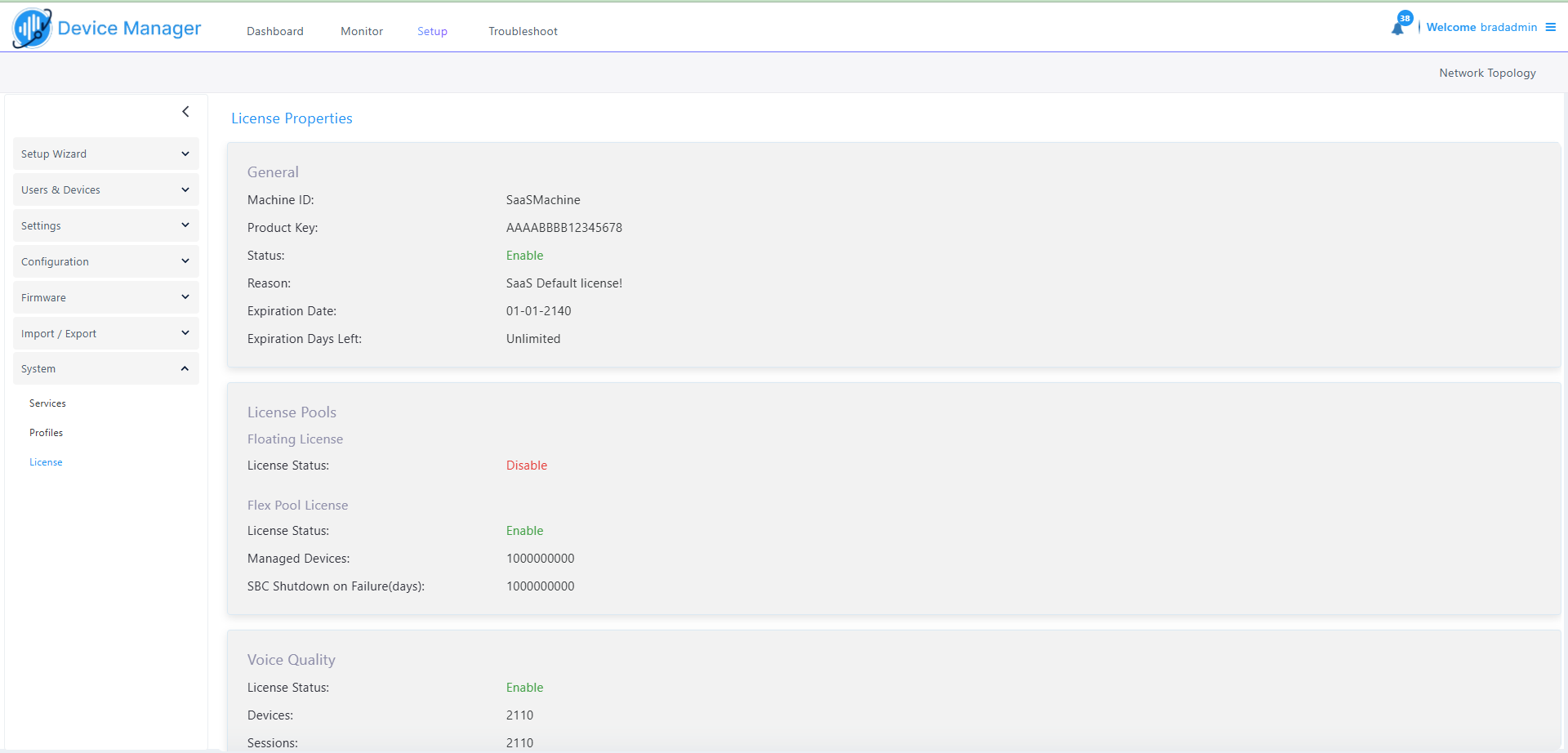
If a license expires, communications with all servers is suspended, users will not be able to log in, and it will not be possible to add new phones.
The time zone is determined by the OVOC server's Date & Time menu settings. If an expiration date is not configured, the 'Expiration Date' field displays Unlimited.
|
●
|
As the license's expiration date approaches, warning alarms are issued: |
|
✔
|
A Major alarm is sent when 80% of the period defined in the currently running device license is consumed. |
|
✔
|
A Critical alarm is sent when 100% of the period defined in the currently running device license is consumed. |
|
●
|
When the maximum number of devices reporting to Live Platform is exceeded, the Live Platform server blocks them and sends an alert that is displayed in the Home page. |